Overview
In this article
In this article group
After every recorded meeting, Curvo AI automatically processes your call and generates a rich set of insights to help you move deals forward. This page walks you through everything available inside a meeting's detail view.
What Is Post-Meeting Analysis?
When a meeting ends and the recording is processed, Curvo AI analyses the transcript and surfaces structured outputs: summaries, scoring, action items, and more. Your team can act on what was discussed without re-watching the recording or reconstructing notes manually.
Post-meeting analysis is broken into five focused tabs:
Tab | What It Does |
|---|---|
AI-generated overview, deal linkage, MEDDPICC snapshot, risks, and suggested actions | |
Granular scoring breakdown across every sales framework criterion | |
Structured agenda, key points, and questions captured from the call | |
Actionable next steps derived from the meeting, with task tracking | |
A meeting-scoped chatbot for on-demand Q&A about the call |
How to Access a Past Meeting
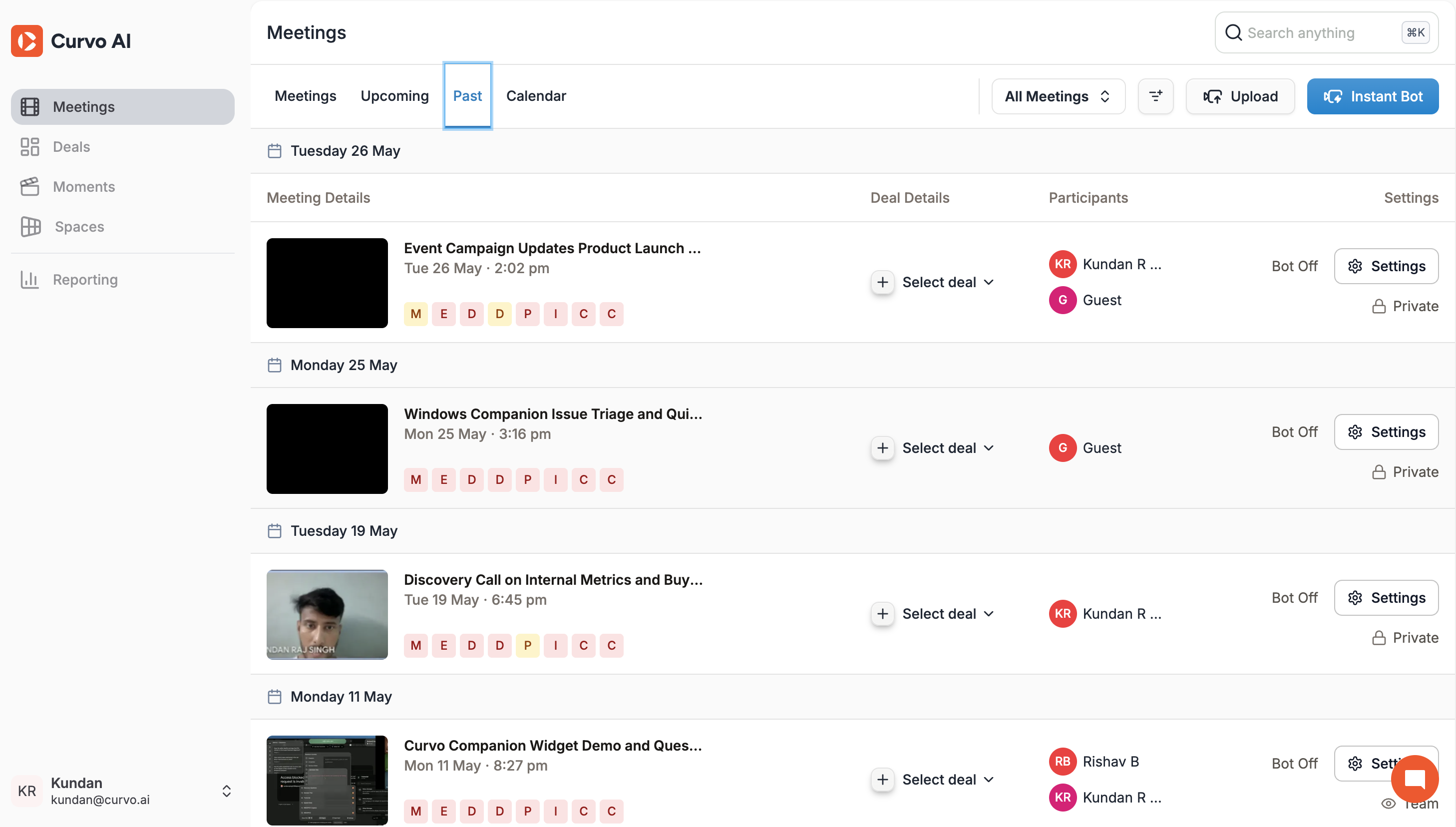
Go to Meetings in the left sidebar
Click the Past tab or scroll down to the Past Meetings section on the main Meetings page
Click any meeting row to open its detail view
You'll land on the Summary tab by default.
Visibility and Sharing
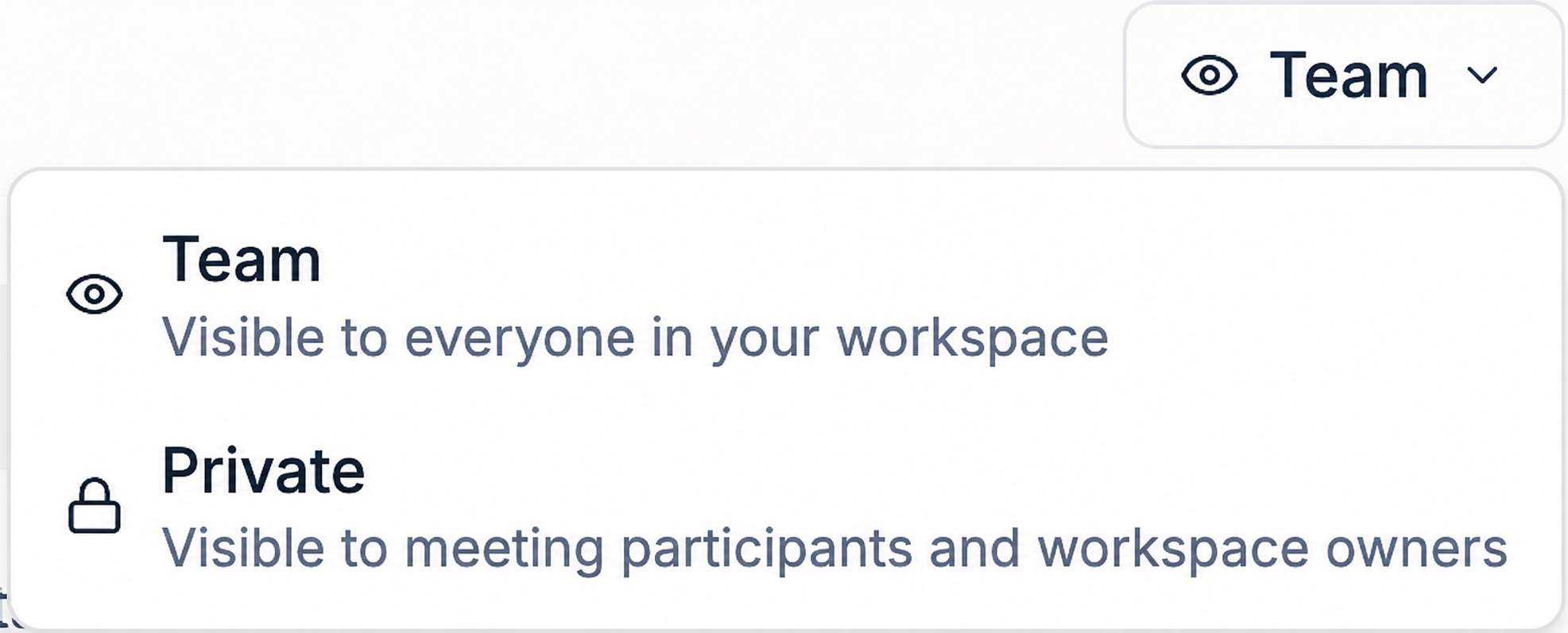
Each meeting can be set to Private or Shared using the toggle in the top-right corner of the meeting detail view. Private meetings are only visible to you. Shared meetings are accessible to your team.