
Notes Tab
In this article
In this article group
The Notes tab provides a detailed, structured breakdown of the full meeting. It goes beyond the high-level summary to capture the agenda, key discussion points, and every question asked and answered during the call.
What the Notes Tab Contains
The Notes tab organises meeting content into three sections.
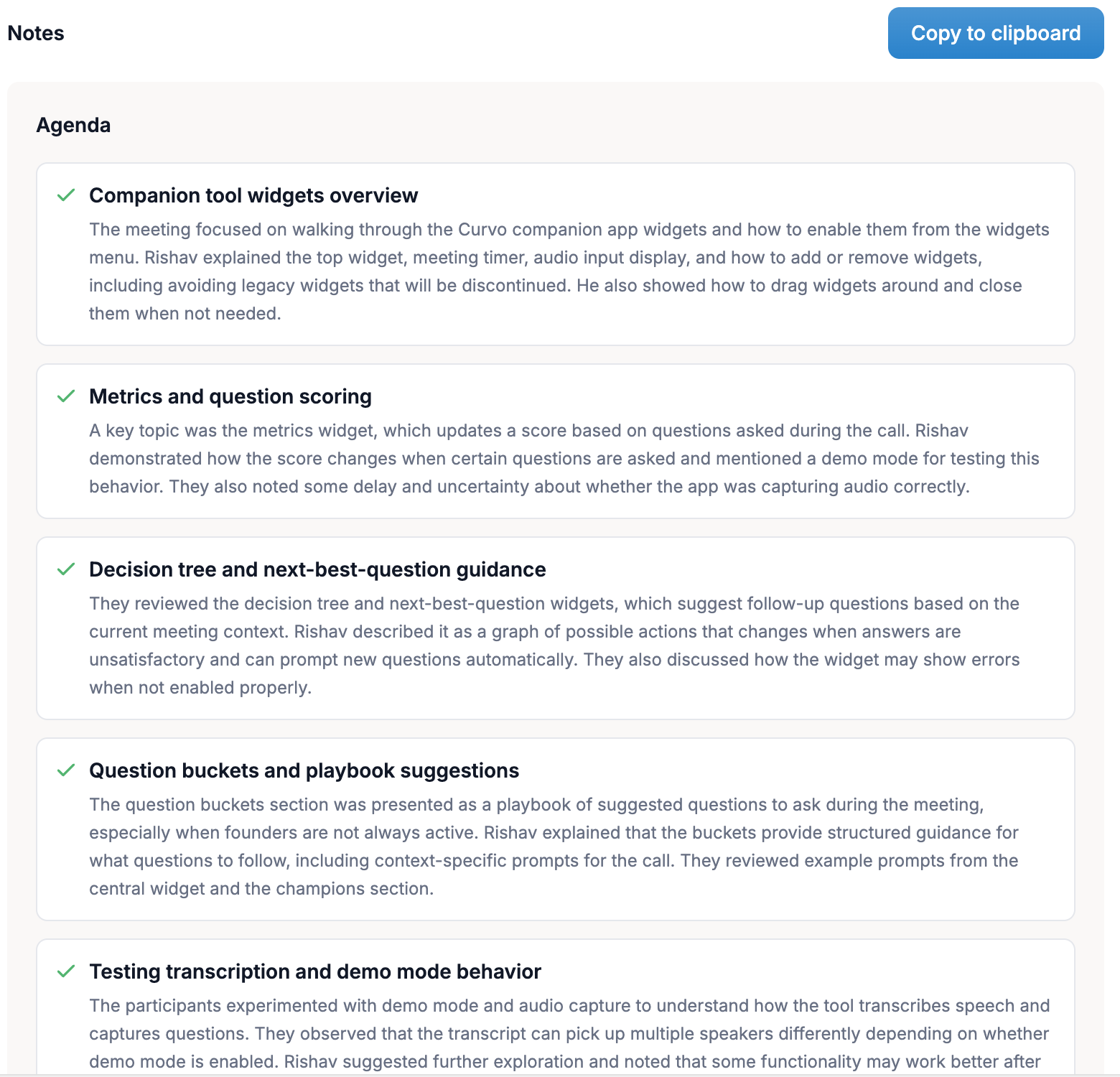
Agenda
A list of every topic discussed during the meeting, in the order it was covered. Each agenda item is presented as a titled section with a brief description of what was said under that topic.
This gives you and your team a clear record of the meeting's structure without having to re-read the full transcript.
Example agenda items:
Meeting detection and title assignment UX
Manual note taker and post-call summary integration
Bringing global search into the Companion experience
Real-time context and architecture for advanced search
Ticketing, estimates, and release planning
Key Points
Below the agenda, Curvo AI surfaces the most important statements, decisions, and revelations that emerged from each agenda item. Key points are labelled by type:
Decision: A conclusion or commitment reached by the group
Action / Work assignment: Something a participant agreed to do
Observation: A notable finding or piece of information shared
This labelling helps your team quickly scan for decisions made and work assigned without reading every word.
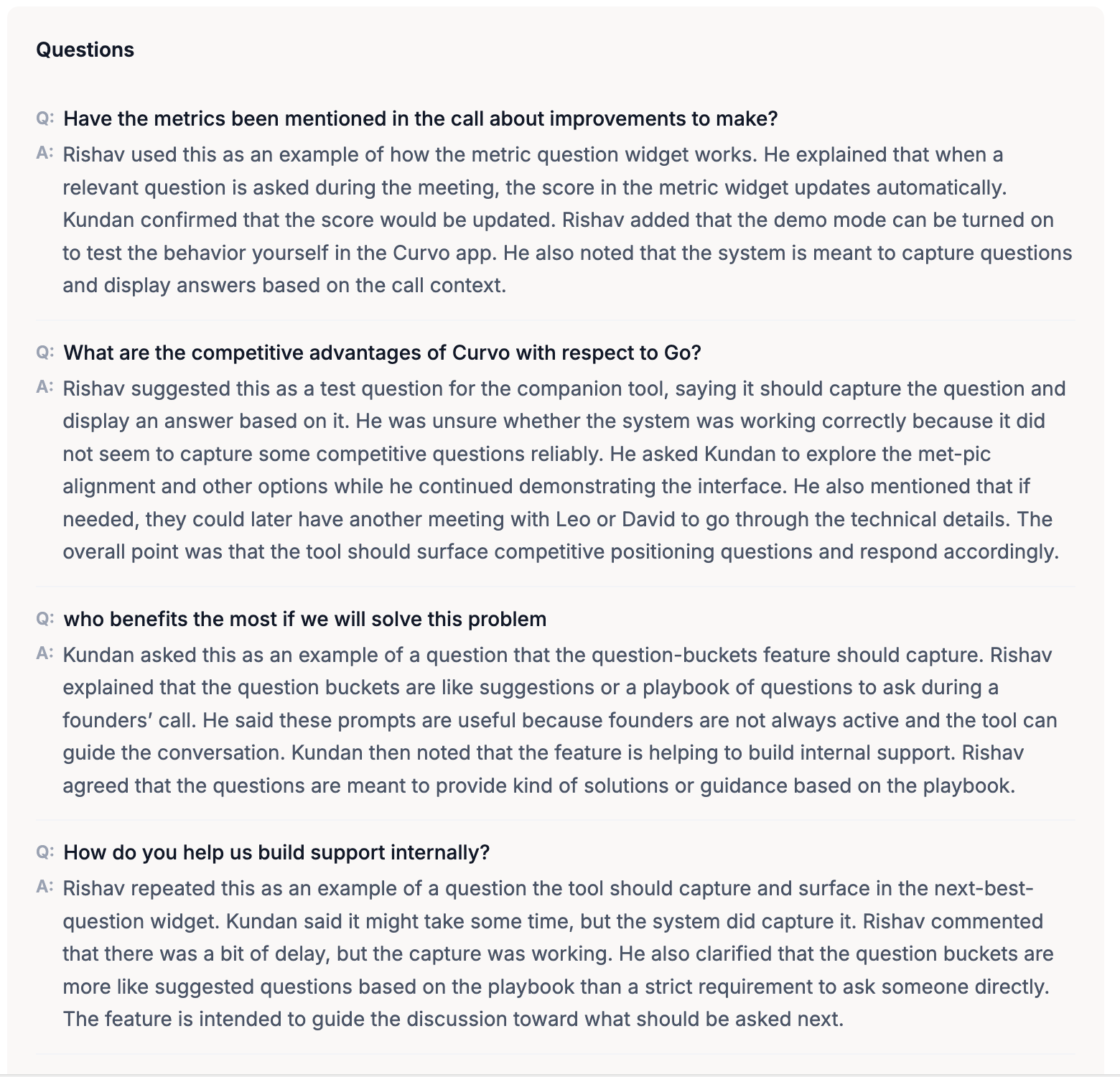
Questions
The Notes tab also captures all significant questions asked during the meeting, along with the answers given. This is particularly useful in sales calls where understanding what the prospect asked and how the rep responded can reveal gaps or opportunities.
Copying Notes
Click Copy to clipboard at the top right of the Notes tab to copy the full notes content in one click, ready to paste into an email, a Slack message, a CRM record, or any other tool.
Notes vs. Summary
Feature | Summary Tab | Notes Tab |
|---|---|---|
Depth | High-level overview | Full structured breakdown |
Agenda coverage | Not shown separately | Shown as individual sections |
Key point labels | Not labelled | Labelled by type (decision, action, etc.) |
Questions captured | No | Yes |
Best for | Quick catch-up | Detailed reference and sharing |