
Sales Playbook Scoring
In this article
In this article group
The MEDDPICC tab provides a granular, criterion-by-criterion analysis of how well the sales call addressed each element of your configured sales framework. It's designed to help reps and managers understand exactly where the conversation performed well and where it fell short.
Note: If your workspace uses a different sales playbook (e.g. BANT, SPICED), this tab will reflect that framework instead of MEDDPICC.
Overall Score
At the top of the tab, the overall score is displayed as a percentage alongside a status label (e.g. Needs attention, On track). This is the same score shown as a snapshot on the Summary tab.
Click View scorecard to see a structured table of all questions, their weightings, and individual scores.
Criterion Breakdown
The left panel lists each MEDDPICC criterion with its individual score and a colour-coded progress bar. Criteria with lower scores are highlighted to draw attention to areas that need improvement.
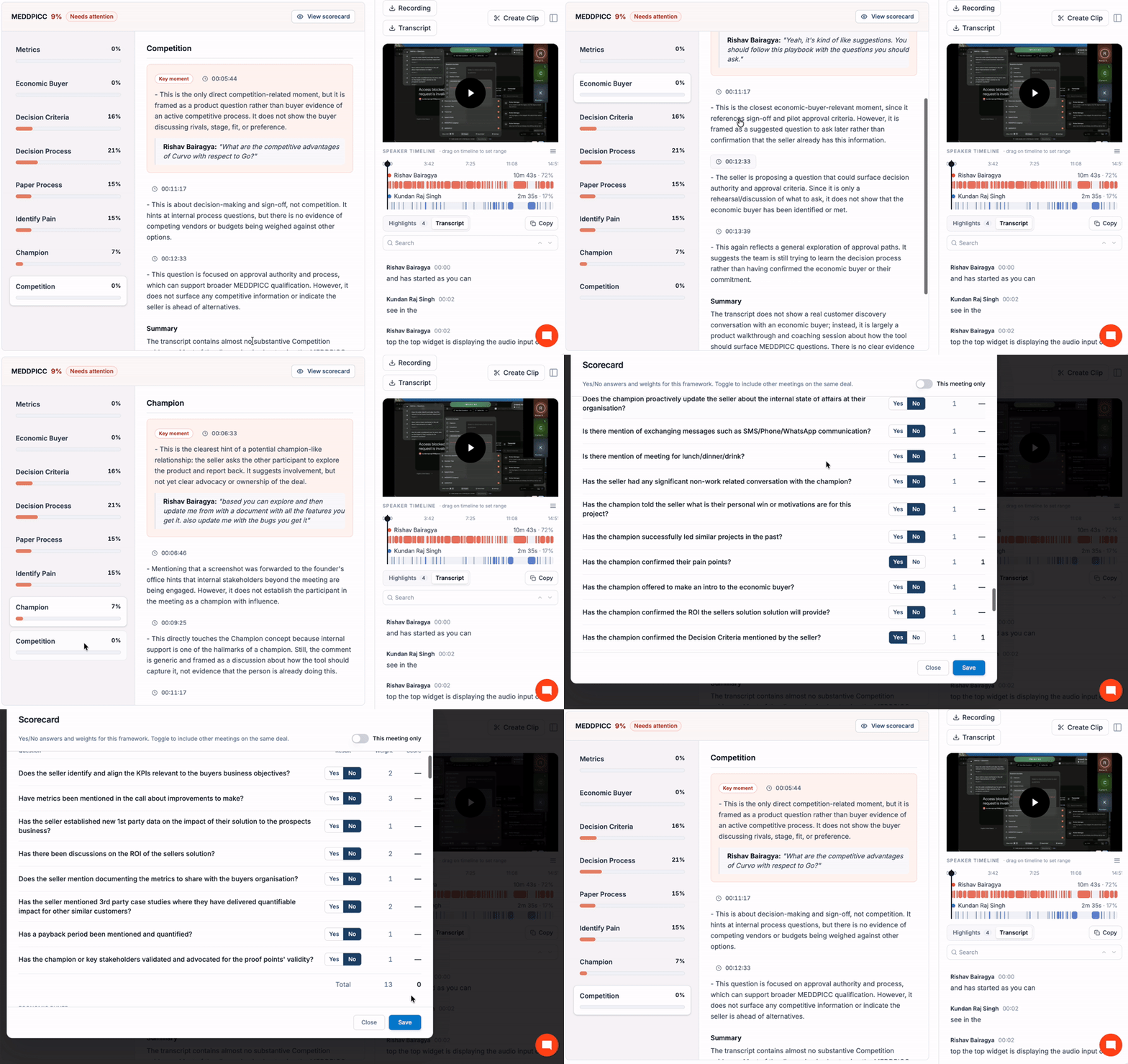
Criterion | Example Score |
|---|---|
Metrics | 42% |
Economic Buyer | 7% |
Decision Criteria | 28% |
Decision Process | 42% |
Paper Process | 0% |
Identify Pain | 12% |
Champion | 14% |
Competition | 5% |
Click any criterion in the left panel to load the detailed analysis for that criterion in the main content area.
Detailed Analysis
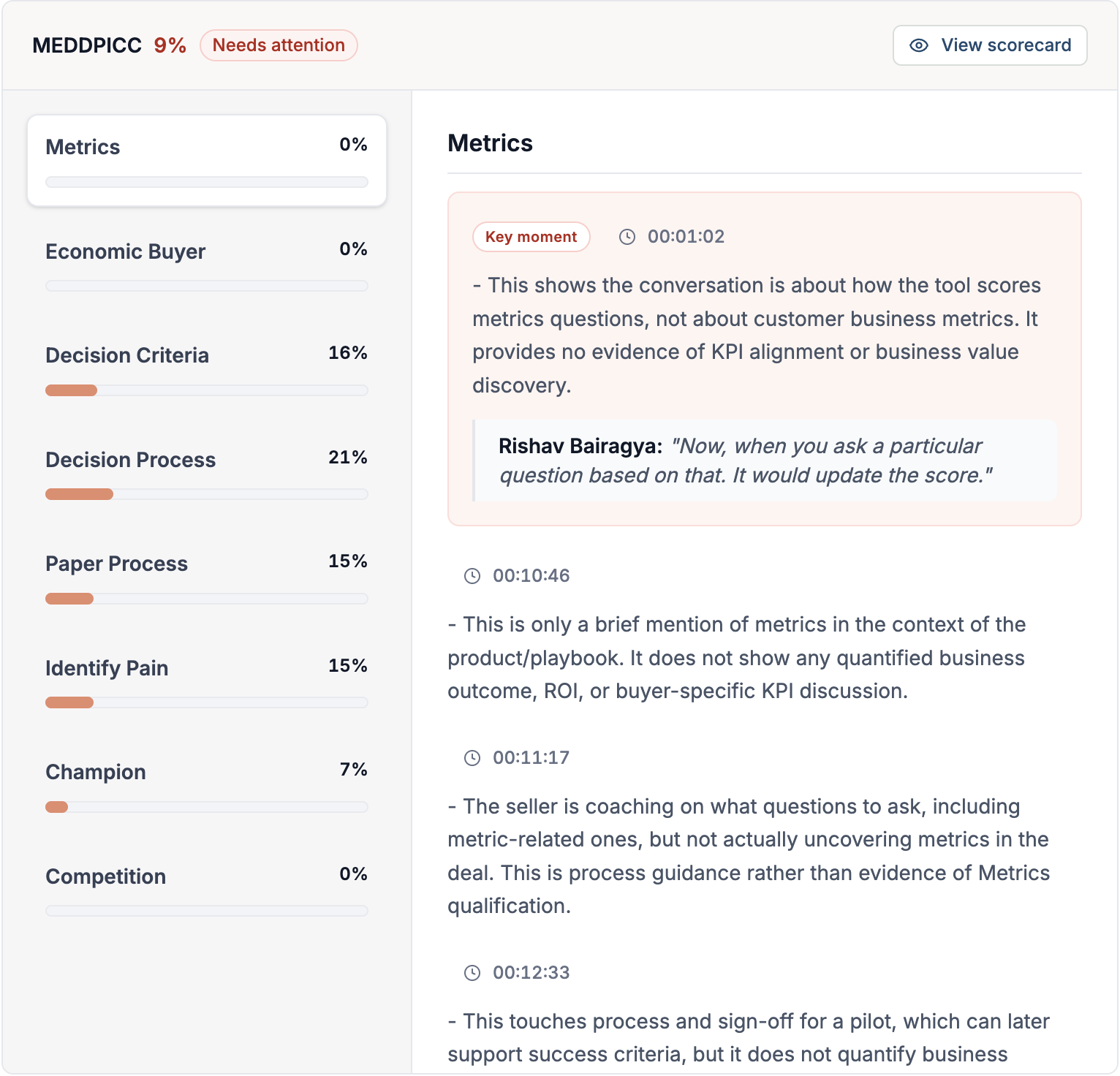
For each criterion, Curvo AI surfaces specific moments from the call where that criterion was discussed. Each entry includes:
Timestamp: The exact point in the call where the relevant exchange occurred (e.g. 00:03:23)
Analysis: An AI-written explanation of how the moment relates to the criterion and whether it positively or negatively affects the score
Key moment callout: If a moment is particularly significant, it's highlighted as a Key moment with an excerpt of the exact words spoken
For example, for the Metrics criterion, a key moment at 00:03:23 might highlight a speaker stating a quantitative success assumption, even if it hasn't yet been validated as a business KPI by the buyer.
This level of detail lets reps understand not just the score, but the specific conversations that drove it.
Scorecard View
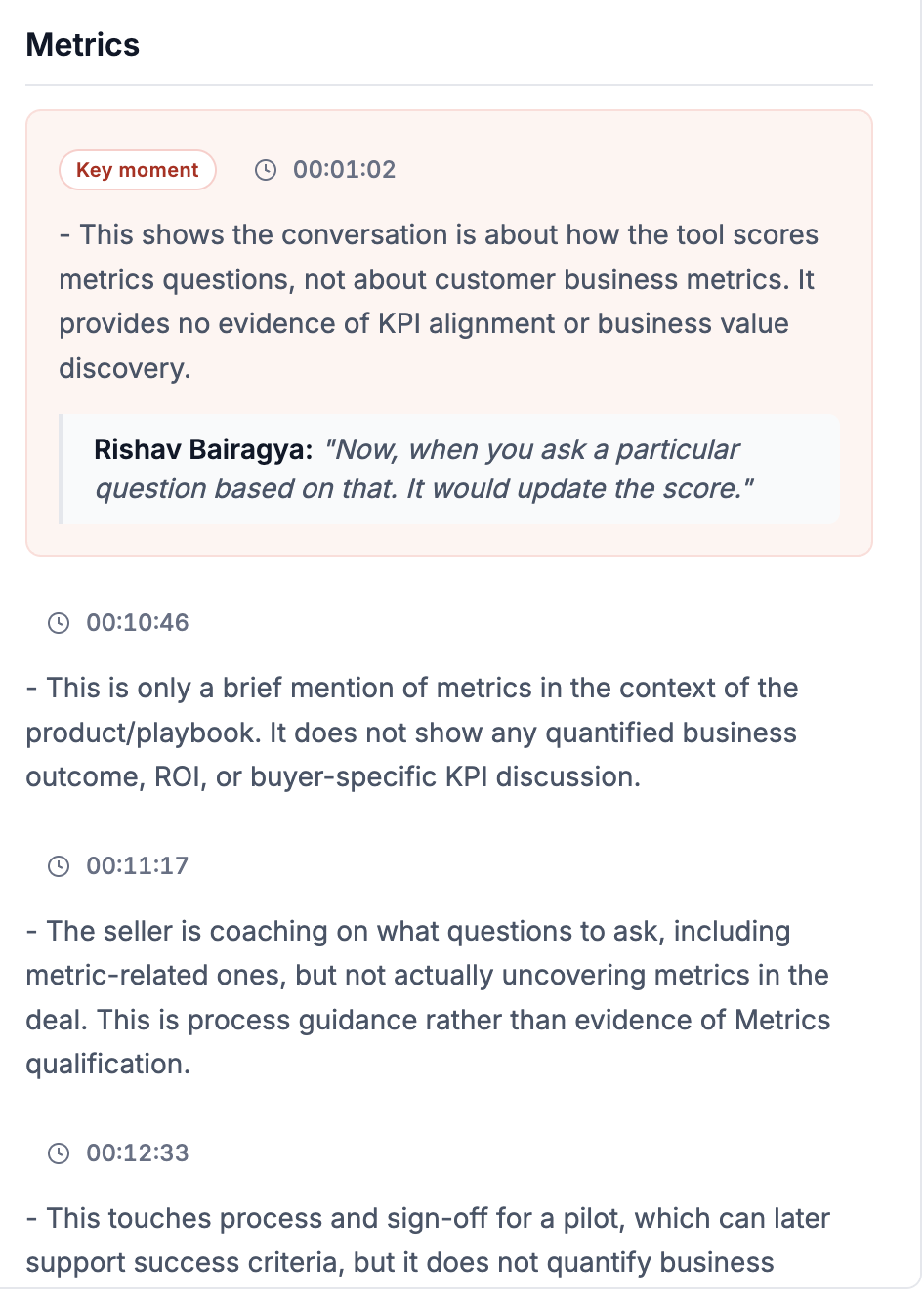
Clicking View scorecard opens a structured table listing:
Each individual question within the playbook
The weightage assigned to that question
The score the meeting received for that question
Notes on what was covered and what was missing
This makes it straightforward to identify the highest-impact questions to focus on in the next call.
How to Use This Tab
Before the next call: Review low-scoring criteria to know which questions to ask
During coaching: Use the timestamp links to bring up exact moments in the transcript where a criterion was (or was not) addressed
For deal reviews: Share the scorecard with your manager or team as an objective view of deal health from this meeting