Installing Companion
In this article
In this article group
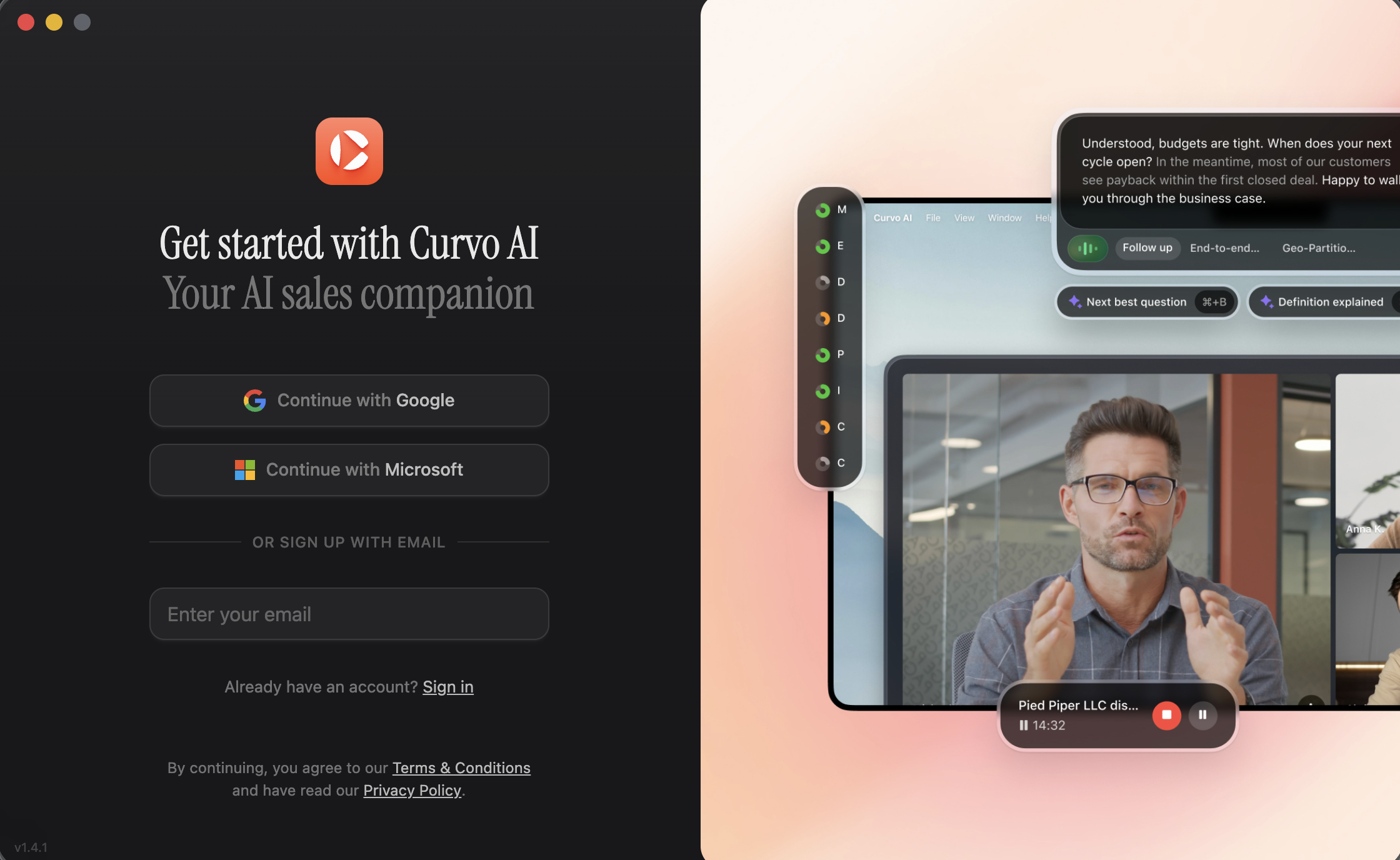
Curvo Companion is a lightweight desktop application for teams that need recording without a bot joining the call, or for use alongside the bot for in-call coaching. It runs silently in the background and captures your meetings locally.
When Do You Need Companion?
Whether Companion is required depends on your workspace's customer type, set by your admin. You can check yours under Settings → Workspace → Account Details.
Customer Type | Companion Required? |
|---|---|
Post-Call + Bot | Not required. The Instant Bot records everything remotely. |
Post-Call + In-Call + Bot | Required to unlock in-call coaching features, even though the bot is still the primary recorder. |
Post-Call + In-Call (Botless) | Required. Companion is the recorder. No bot joins your meetings. |
Companion Only | Required. Recording is fully disabled. Companion provides in-call coaching only. |
How Companion Works
Unlike the Instant Bot, which joins meetings as a remote participant from the cloud, Companion runs locally on your device and captures the meeting directly from your computer's audio output. This makes it the right tool for botless workspace types, or for any rep who needs in-call coaching without a visible bot in the participant list.
Downloading and Installing
Download Companion from: https://app.curvo.ai/dashboard/companion
Select your platform and follow the steps below.
Mac
Open the downloaded
.dmgfileDrag Curvo Companion to your Applications folder
Launch the app and log in with your Curvo credentials
Grant the permissions requested. Microphone access and screen recording access are both required for Companion to function.
Windows
Run the downloaded installer and follow the setup wizard
Companion will appear in your system tray once it's running
https://app.curvo.ai/dashboard/companion showing the Mac and Windows options.
First Launch
After installation, log in with the same email and password you use for the Curvo portal. Companion will automatically connect to your workspace. No additional configuration is needed beyond granting the OS-level permissions during installation.